Basics
Quick Start Guide: From Adding Streams to Auto Layout
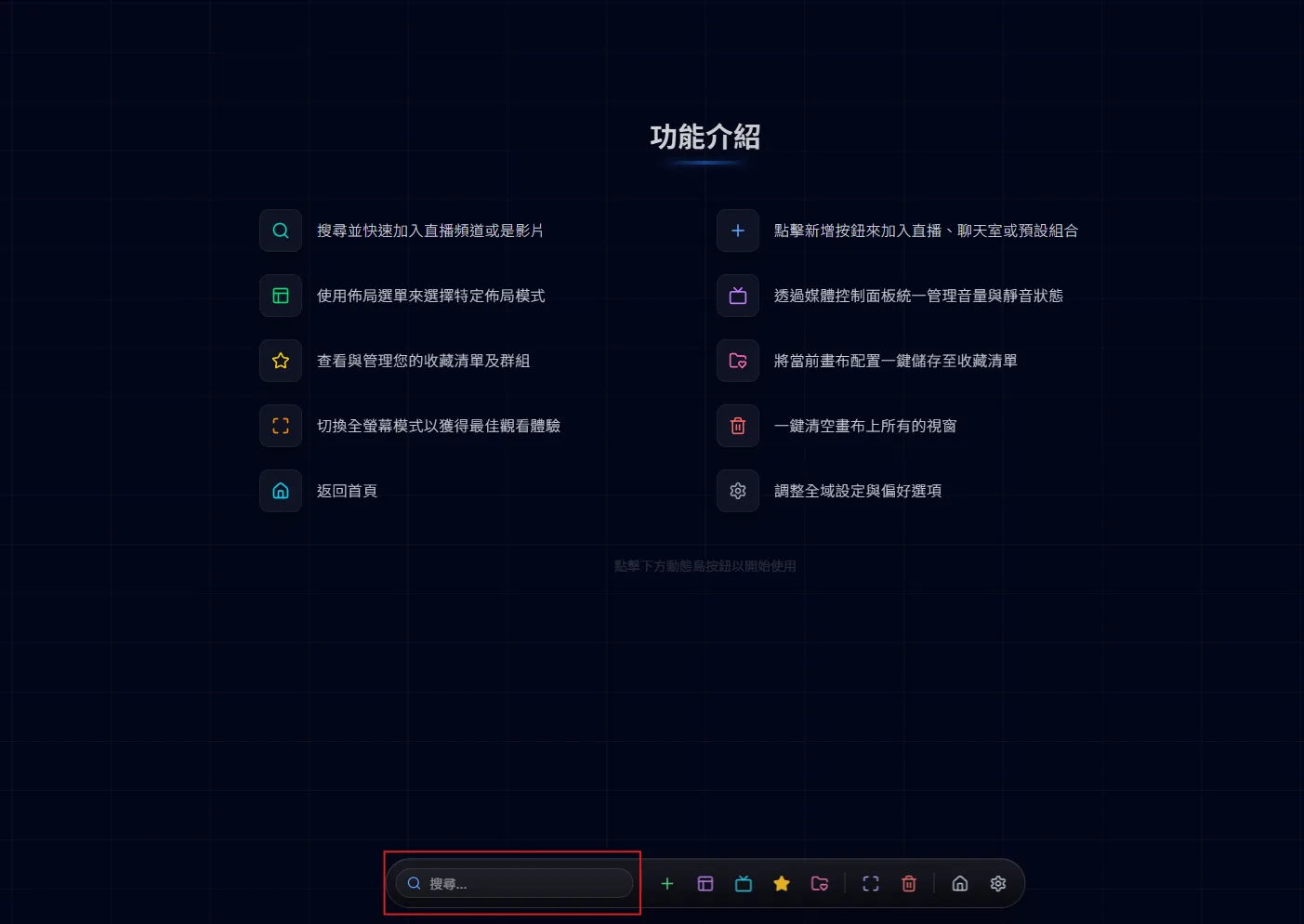
New to MultiStream Hub? This guide walks you through adding your first stream from a URL, then searching channels, switching layouts, and integrating chat.
Put several Twitch streams side by side for free — no account, no extension. Add channels by name, let the grid arrange them, keep chat on screen and share the whole line-up as one link.
Esports matches with player POVs, a collab where every streamer has their own camera, or simply following a few favourite channels while they are all live — sometimes one stream is not enough. Instead of juggling browser tabs, MultiStream Hub puts every Twitch player on one canvas, each with its own volume, with chat right next to them.
This link opens three Twitch channels side by side. Swap in the channel names you want — tw: stands for Twitch, and channels are separated by commas. /canvas?streams=tw:lofigirl,tw:shroud,tw:summit1g
The share guide explains the full link format, including YouTube streams and the 16-stream limit. Read the share guide
MultiTwitch made the idea popular: add channel names to the URL and watch them in an equal split. MultiStream Hub covers the same ground without an account, and adds YouTube streams next to Twitch, a free-drag canvas, per-stream and master volume, favourites that import your Twitch follows and detect when channels go live, five interface languages and mobile support.
Want the full picture, including TwitchTheater and Multistre.am? See the comparison
Yes. Watching multiple Twitch streams is completely free, with no sign-up and nothing to install.
Up to 16. How smooth it feels depends on your computer and connection — mute or lower the quality of the streams you are not watching closely.
Yes. Add chat windows next to the players — the “Chat Included” layouts arrange them for you — and keep up with the conversation while you watch.
Yes, it runs in mobile browsers too, though a computer or tablet gives you more room for several streams at once.