Basics
Quick Start Guide: From Adding Streams to Auto Layout
New to MultiStream Hub? This guide walks you through adding your first stream from a URL, then searching channels, switching layouts, and integrating chat.
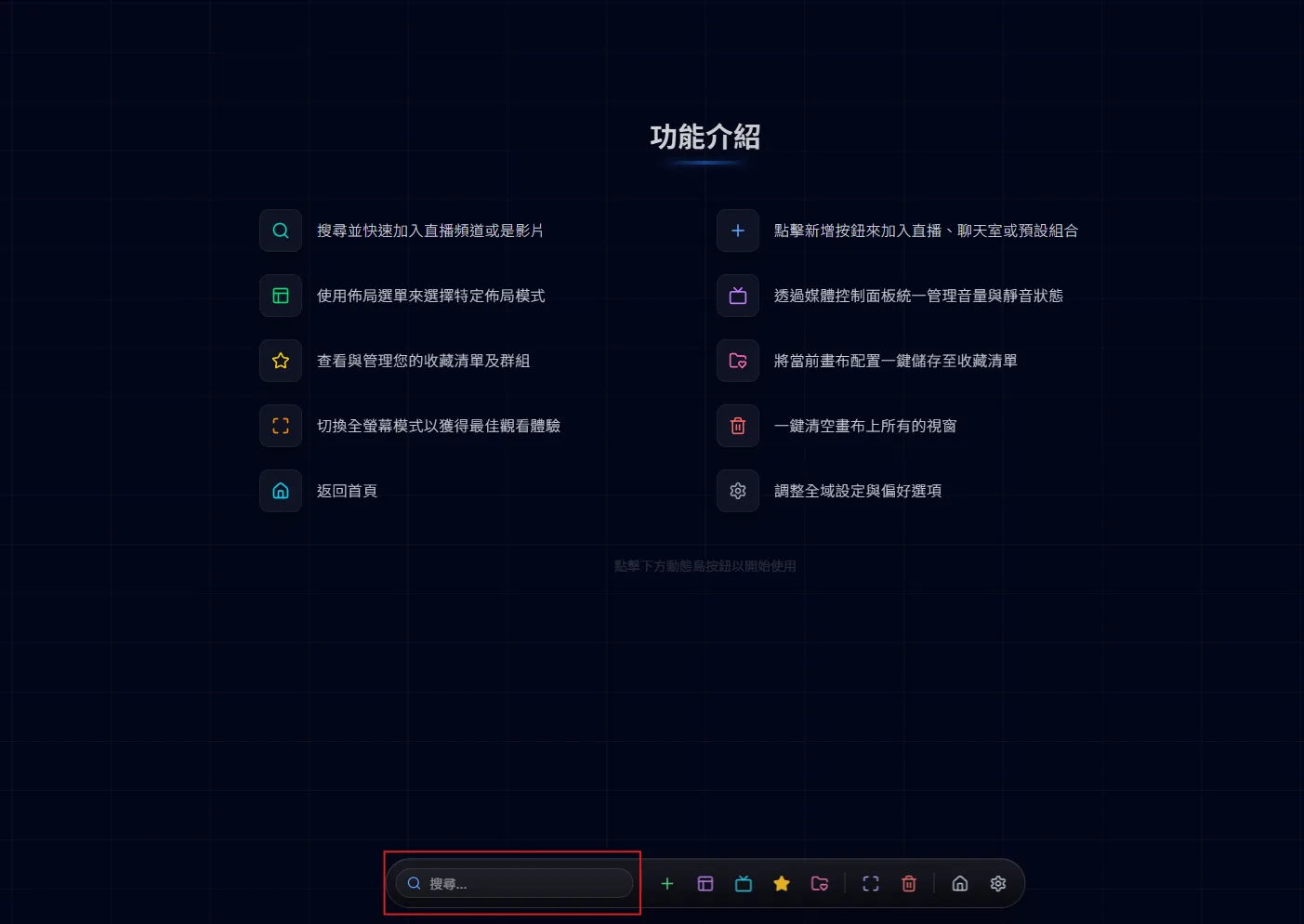
More than just a URL input, it is a powerful global search entry.
The icon to the left of the search box switches the source between Twitch and YouTube. On Twitch, type a streamer’s name; about half a second after you stop typing, Twitch is searched live and up to 5 channels are listed, each with its avatar, channel name, a green dot if it is live, and its current game category. Click anywhere on a row to add it to the canvas — offline channels are added too, they just show as offline. Ctrl + K or Alt + S focuses the search box on the dynamic island at any time.
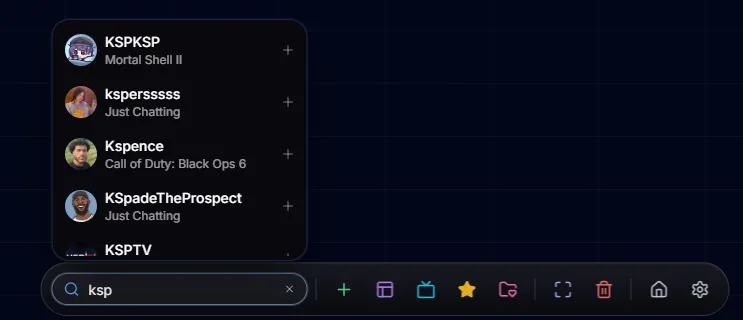
On YouTube, type a VTuber’s or YouTuber’s name to find matching channels in the list indexed by MultiStream Hub (this is not a live search of all of YouTube). Results are sorted by subscribers and show a VTuber badge, subscriber count and region. After you pick one, the site shows “Checking live status…”: if the channel is live it is “Added to canvas”; if not, it is “Added to favorites” so you can load it from your favorites once they go live. If a channel does not show up, it has not been indexed yet — suggest it from the Stream Schedule or let us know on Discord.
Paste a Twitch or YouTube link and the platform is detected and the right player added. Typing just a channel name works differently in each mode: in Twitch mode, Enter adds the first search result, and only adds the text itself as a channel name when the search has not returned yet or finds nothing; in YouTube mode, text is never added directly — pick one of the results instead. Supported and unsupported formats are listed in the next section.
When pasting a link, use one of these formats:
These cannot be pasted directly yet: YouTube channel pages (@handle, /channel/…) and a channel’s /live link, because they do not point to a specific stream — use the search box in YouTube mode instead, or add the channel to your favorites and load it from there when it goes live. YouTube Shorts and embed links are not supported either. Twitch past broadcasts (twitch.tv/videos/…) and clips (clips.twitch.tv/…) are mistaken for channel names, so the player cannot play them.
Pressing Enter in the search box is handled in this order: if you highlighted a result with the arrow keys, that result is added; if you typed a link, the link is added; if you typed text, the first result of the search is added. In Twitch mode, if this search has no results yet (you pressed Enter before it finished, or nothing matched), the text is added as a channel name; in YouTube mode, Enter with no results just searches again. Use ↑ and ↓ to move through results and Esc to close the list.