Advanced
🏝️ Dynamic Island
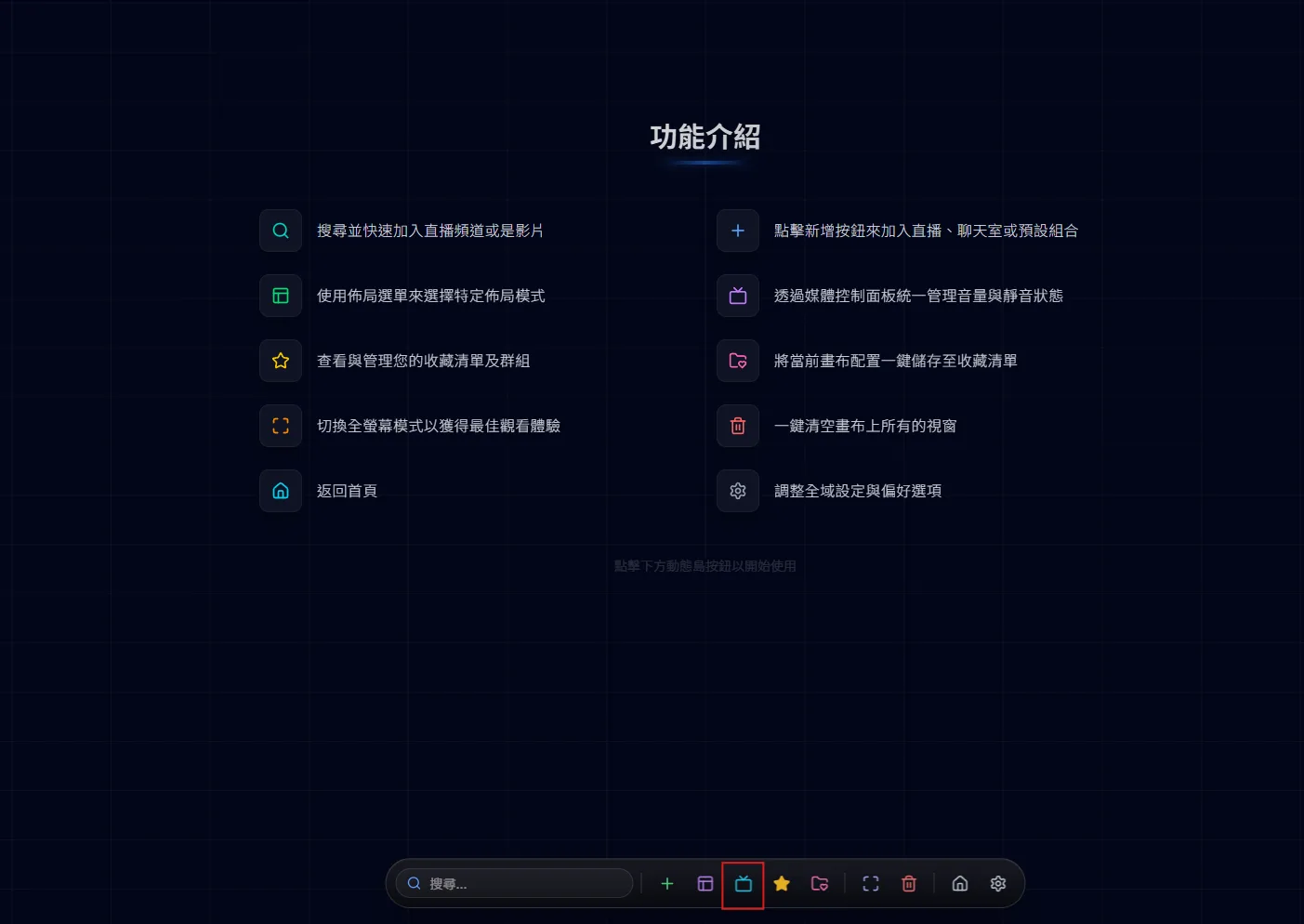
The dynamic island is the control bar at the bottom of the canvas page. It stays hidden until your cursor reaches the bottom edge of the screen, and every canvas action starts here.
Control global volume in addition to individual window volume.
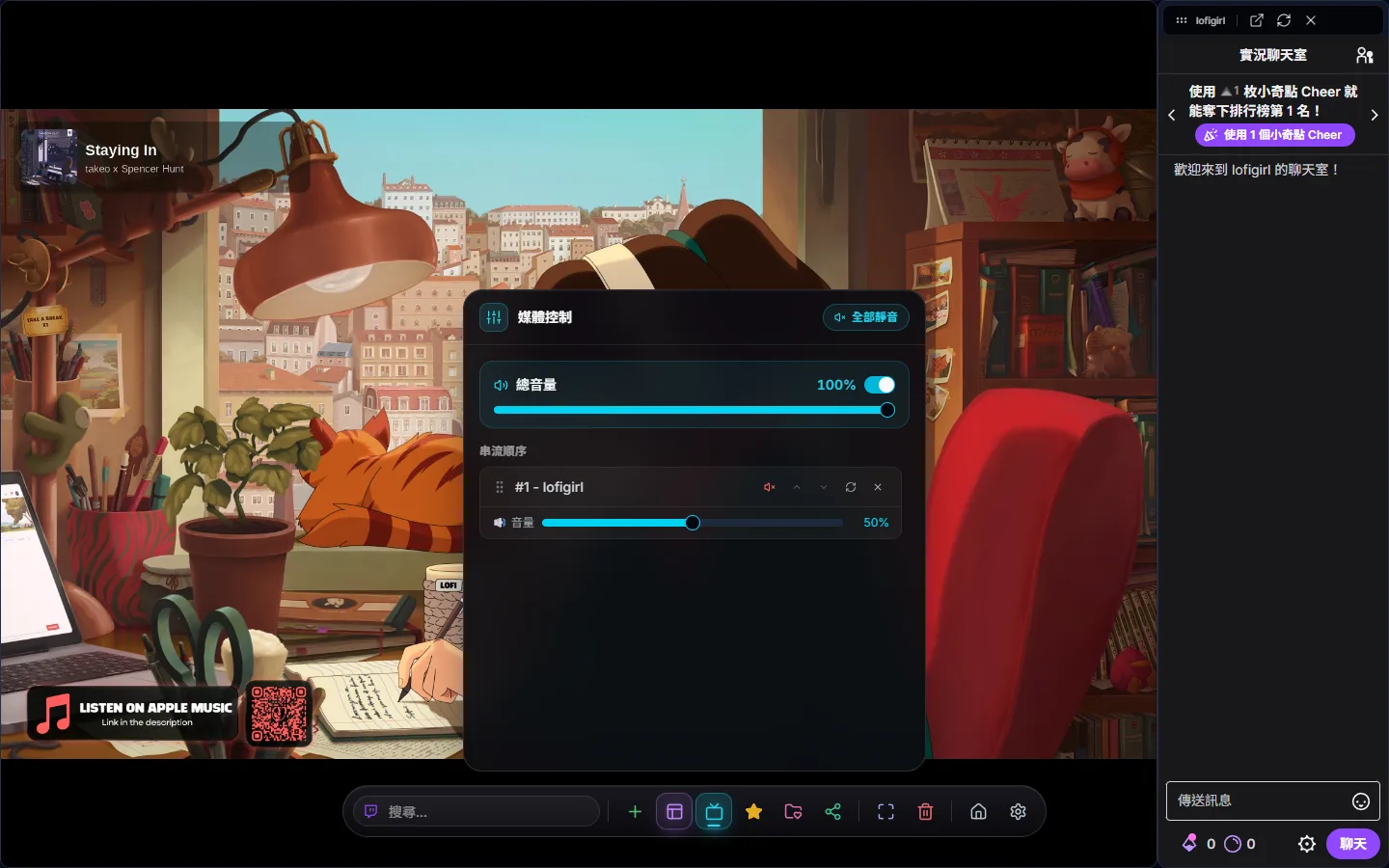
The master volume sits at the top of the media control panel on the dynamic island: each stream plays at its own volume × the master volume, so moving the master slider scales everything proportionally. Mute All, in the top-right corner, remembers which streams were already muted and restores them exactly when you unmute; dragging the master volume to 0 also mutes everything. One click and the room goes quiet when the phone rings. To unmute every individually muted stream at once, double-click the “Master Volume” label.
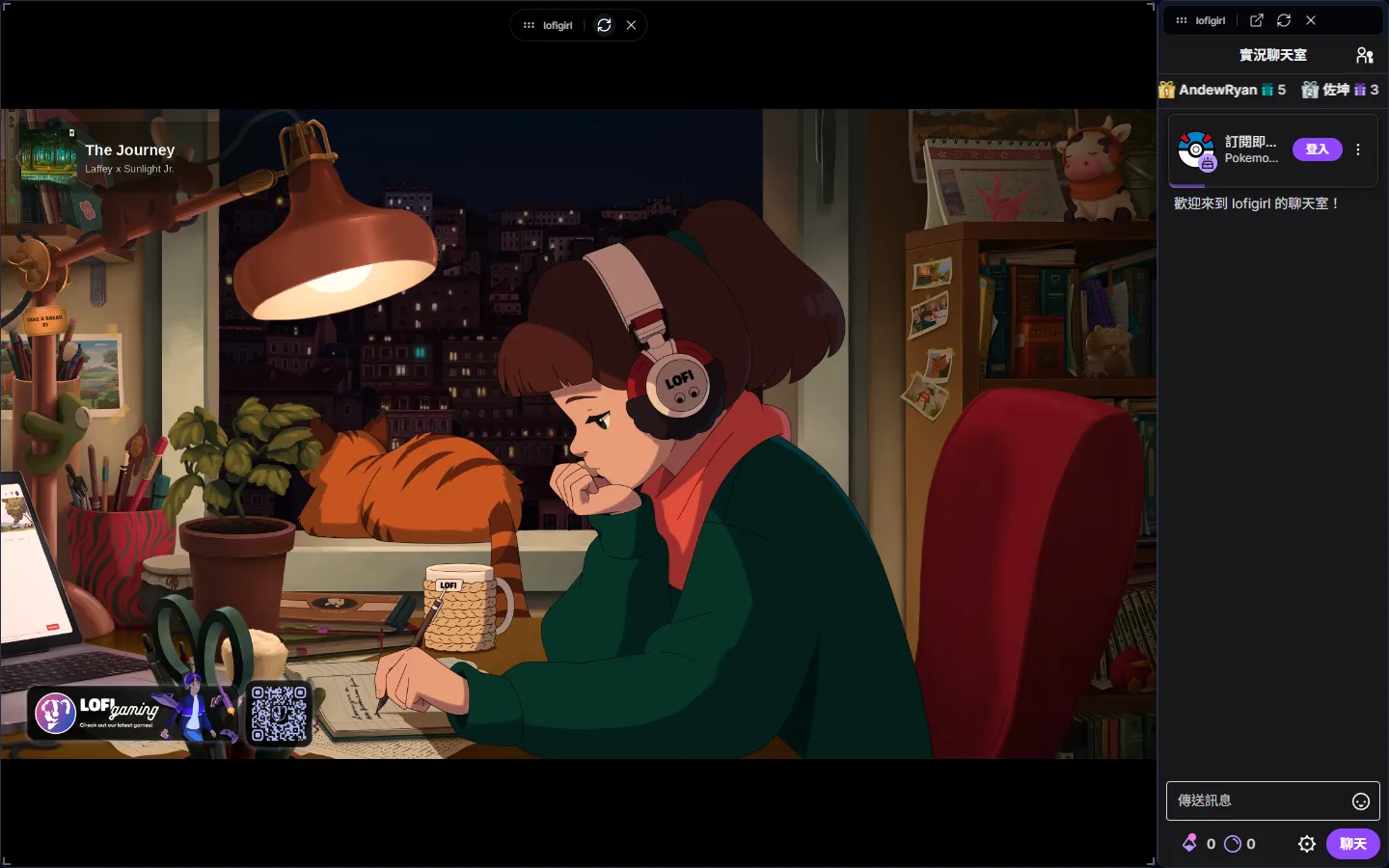
Below that there is one row per stream, where you can set its volume, mute, reload or close it, and reorder streams by dragging or with the up and down buttons; raising a stream’s volume above 0 unmutes it automatically. The toolbar that floats over a stream window has Maximize (T), Set as main (★), Reload (R) and Remove; chat windows add “Open chat in a new window” for when your browser blocks third-party cookies and you cannot post in the embedded chat. Hovering a window and pressing M also toggles that stream’s mute.
Say the canvas has the official broadcast and three player views. New streams start muted at volume 50: open media controls, unmute the official broadcast and raise it to 80, then unmute one player view at 20 as background sound and leave the rest muted. When everything needs to be quieter, move only the master volume and the balance between the four stays the same; when the phone rings, press Mute All or Ctrl + M, and unmuting puts every stream back the way it was.