Advanced
🏝️ Dynamic Island
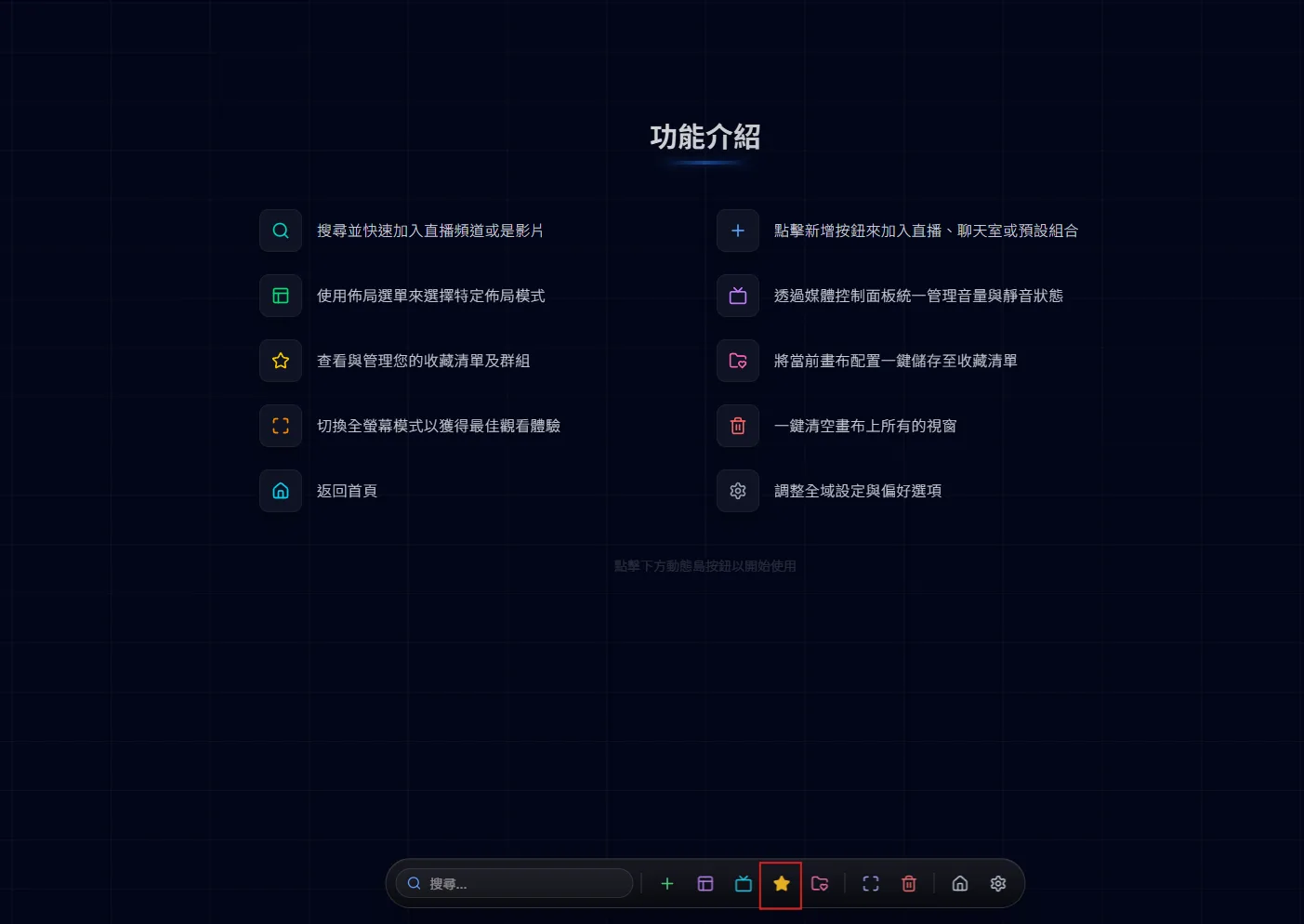
The dynamic island is the control bar at the bottom of the canvas page. It stays hidden until your cursor reaches the bottom edge of the screen, and every canvas action starts here.
A powerful favorites system to manage your loved streamers and layouts.
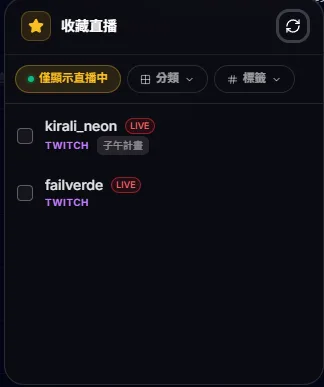
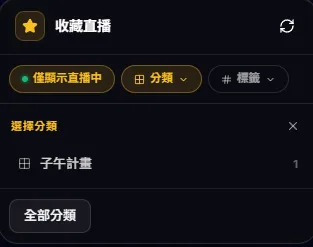
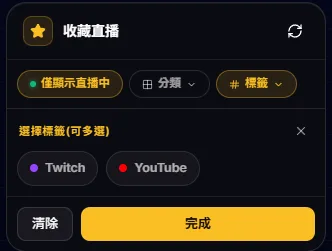
Click the star button to open the live favorites panel: it defaults to "live only", and you can filter channels by category or by tags (multi-select).
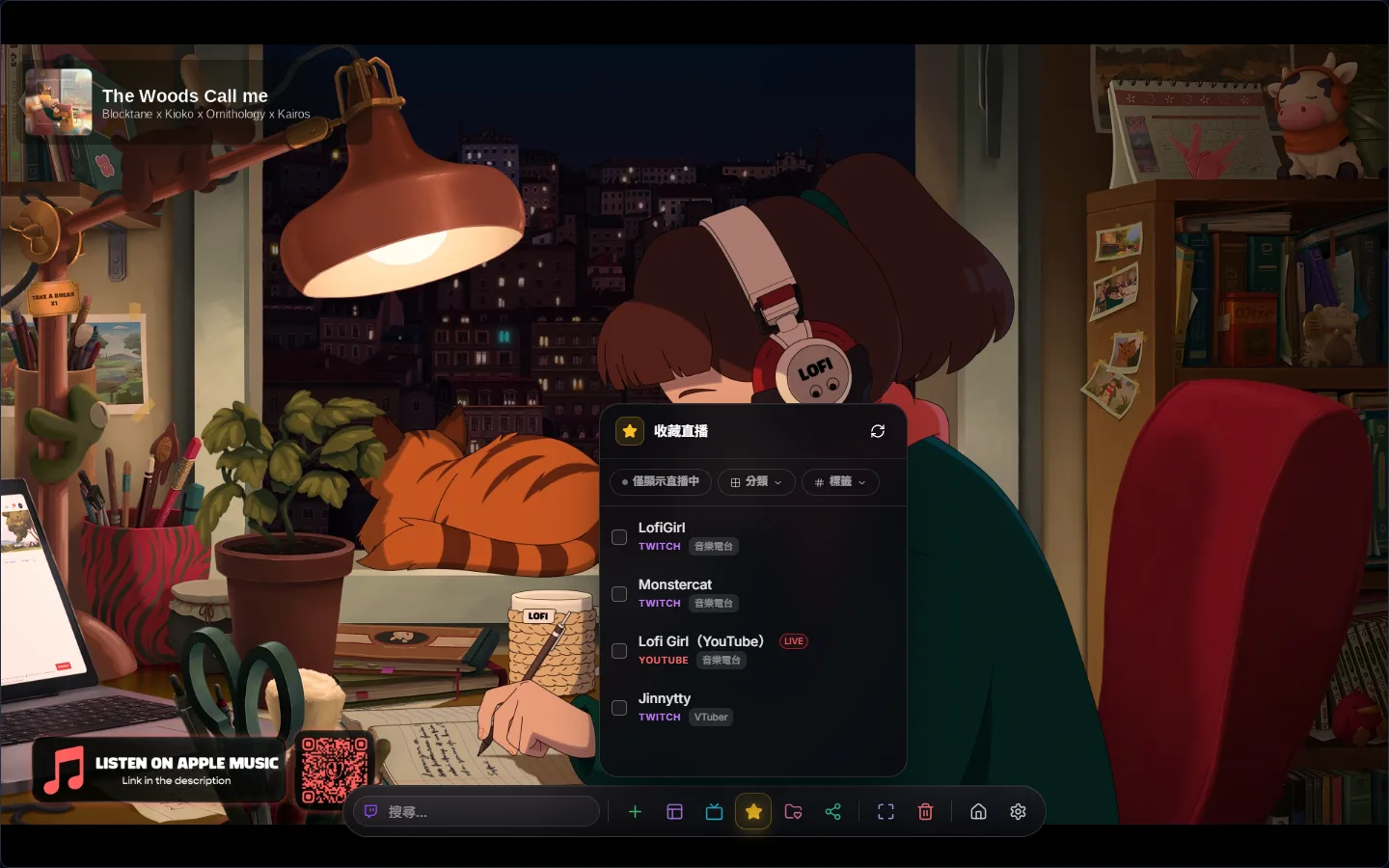
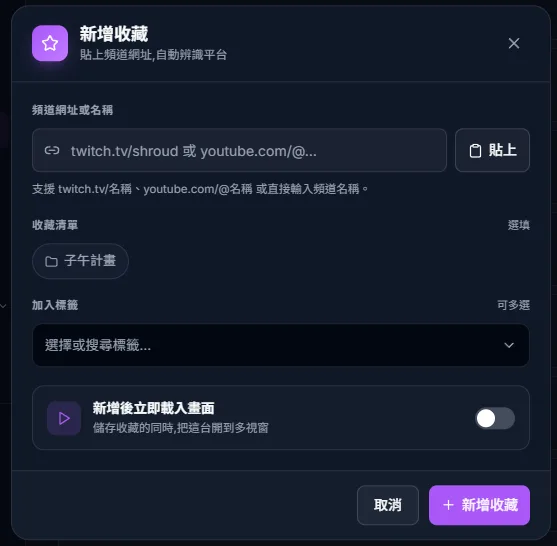
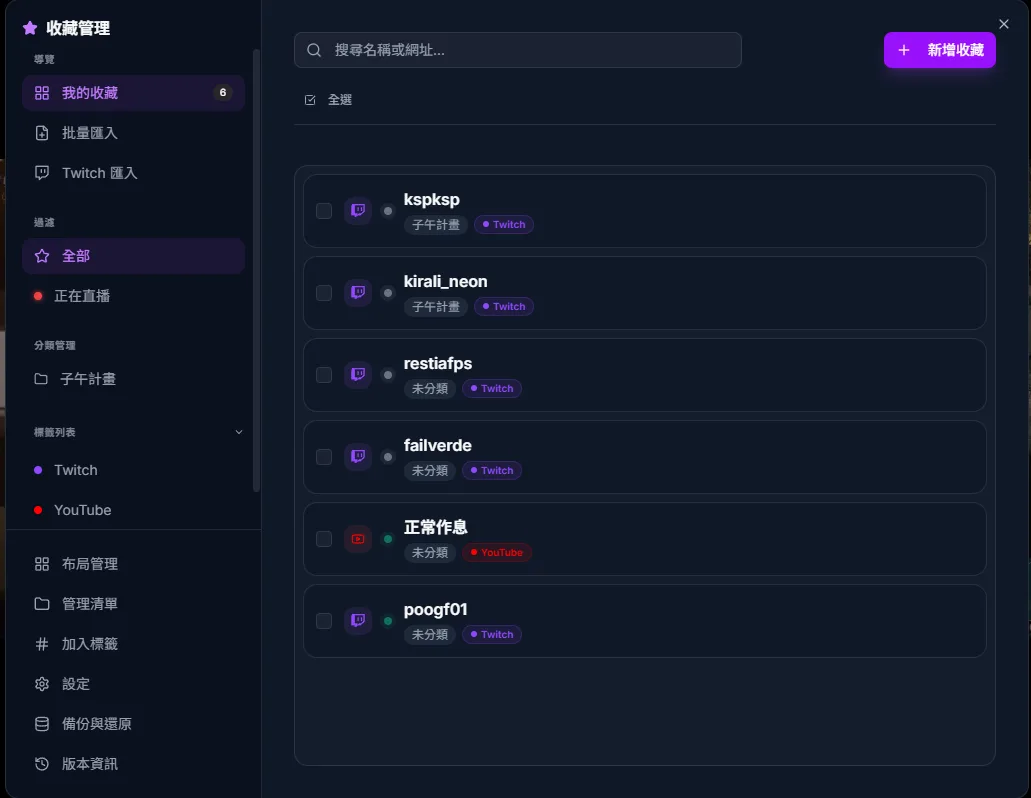
In Favorites Manager, click “Add New” and paste a channel link — that is the most reliable way: twitch.tv/channel-name, youtube.com/@handle and youtube.com/channel/… are all recognised, and a YouTube video link is converted to its channel. You can pick a list, add tags and choose to load it on the canvas right away (off by default); leave the custom name empty to use the official channel name. You can also batch-import several links at once, separated by commas or new lines.
Open Twitch Import in Favorites Manager and press “Connect Twitch”. After Twitch asks you to authorise read-only access to the channels you follow, you come back to the site; show your followed channels, tick the ones you want (or select all) and import the selection. Channels are listed 100 at a time — use “Load More” for the rest. The authorisation token is kept only for this tab and cleared once the import finishes; live detection afterwards does not need you to be logged in to Twitch.
Favorites can be sorted into Favorites Lists (for example “Esports” or “VTuber collabs”); list names must be unique, and deleting a list moves its channels to Ungrouped. In the favorites panel on the dynamic island, pick a list without ticking anything and “Load all in category” appears, opening the whole list on the canvas with a chat for each stream. With more than 9 channels you are asked to confirm first, so the browser does not choke.
The favorites panel shows Online Only by default, and a green dot means the channel is live (viewer counts are not shown). Your favorites are checked about 1.5 seconds after you open the site, when you enter the canvas, and every 25 minutes after that; turning on “Auto-detect live status in background” in settings checks every 5 minutes instead. Nothing is checked while the tab is in the background — it catches up when you come back. Twitch channels are checked up to 100 at a time; YouTube channels are throttled — an offline channel is checked at most once every 15 minutes and a live one once every 30 minutes — so a YouTube channel can take 15 minutes or more to turn green, and its green dot can stay on for up to about 30 minutes after the stream ends. Use the refresh button on the favorites panel to check right away.