Advanced
❤️ Favorites Manager
A powerful favorites system to manage your loved streamers and layouts.
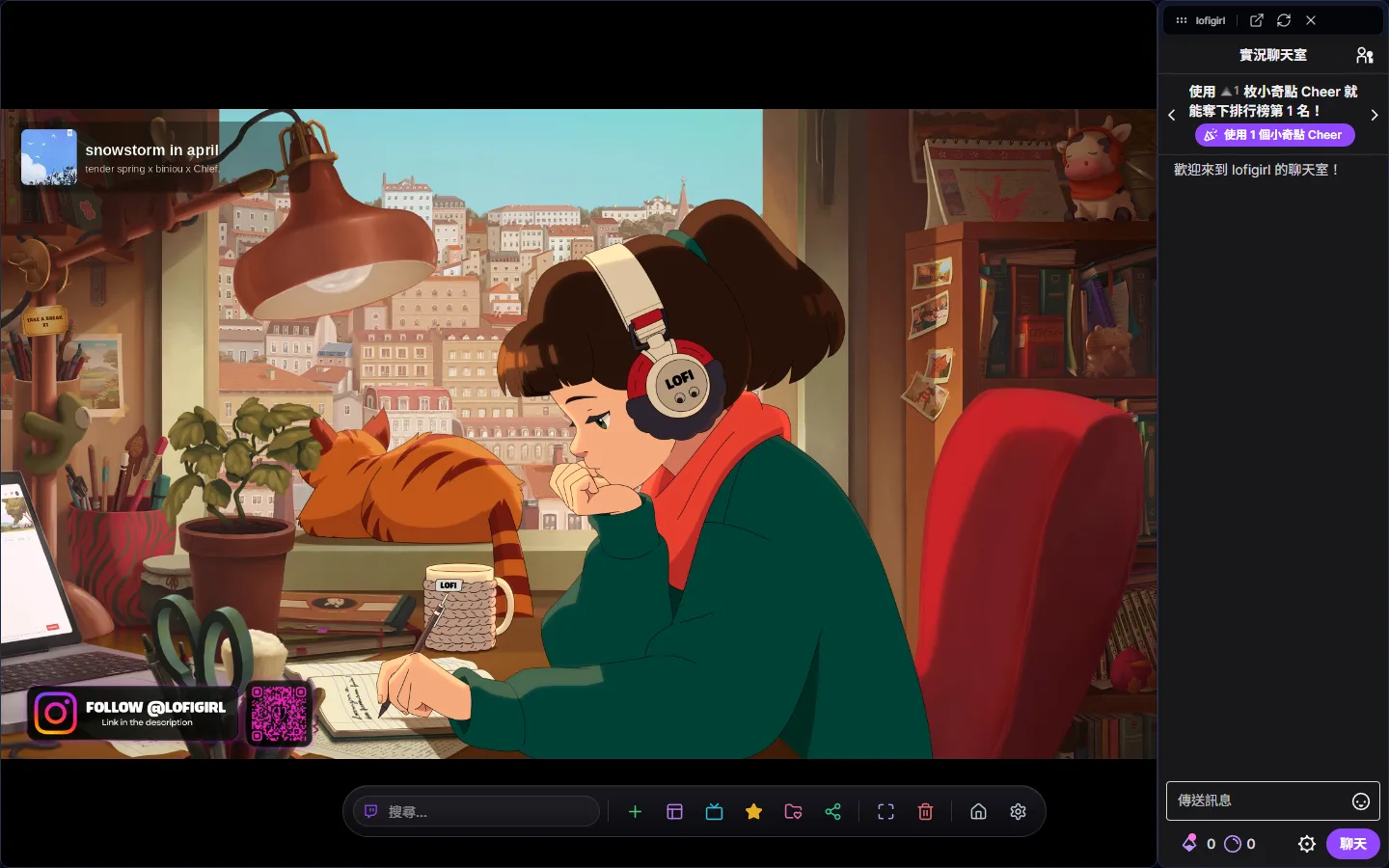
The dynamic island is the control bar at the bottom of the canvas page. It stays hidden until your cursor reaches the bottom edge of the screen, and every canvas action starts here.
The dynamic island keeps the everyday actions in one bar: the search box on the far left, then the + button for new windows, layout settings, media controls, the favorites list, Save current canvas, share, fullscreen, clear canvas, Help and shortcuts (?), back to home, and settings.
The search box sits at the far left of the dynamic island. It switches between Twitch and YouTube as the search source, and also accepts a pasted stream URL. Ctrl + K or Alt + S focuses it at any time — see the Smart search guide for the details.
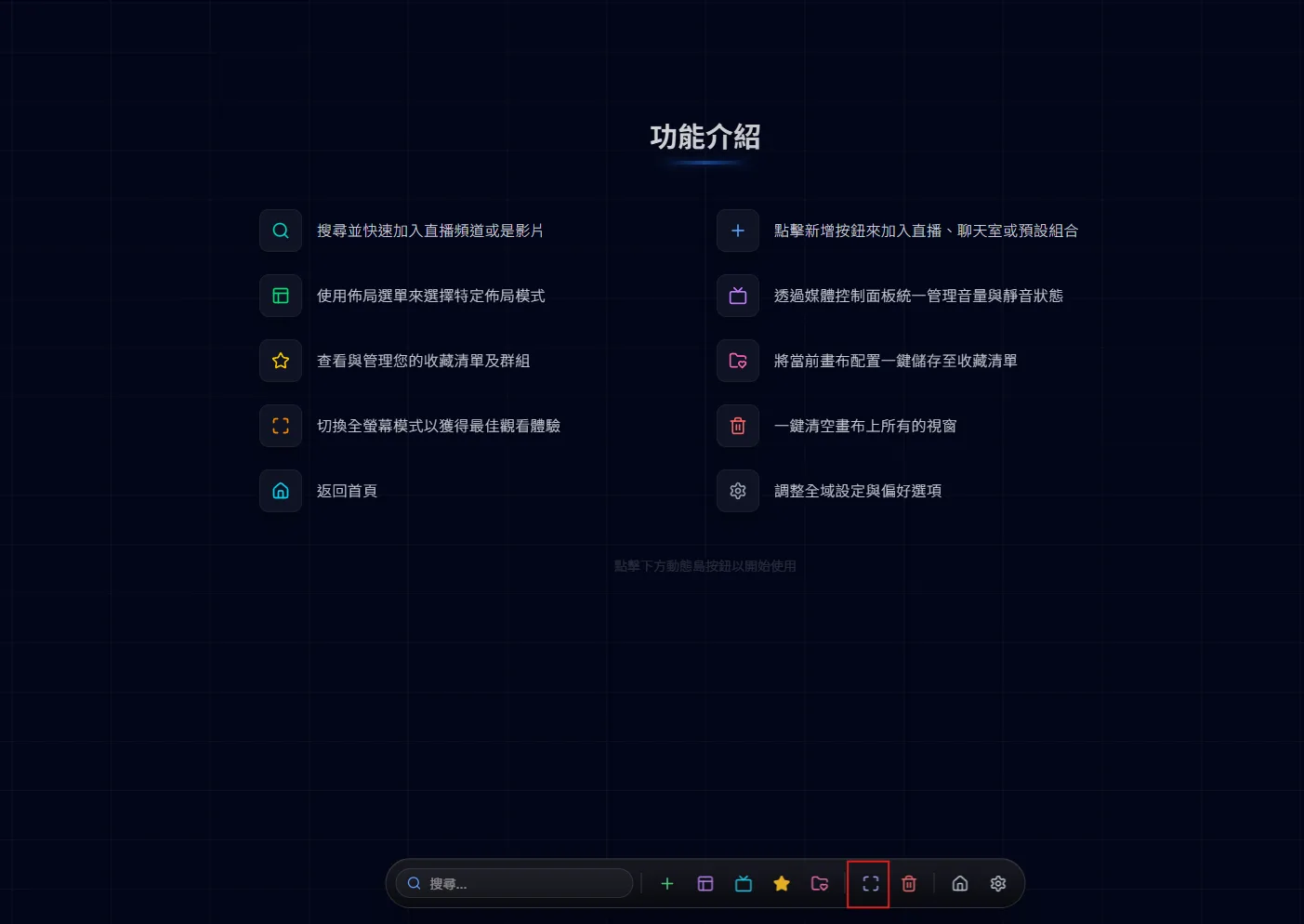
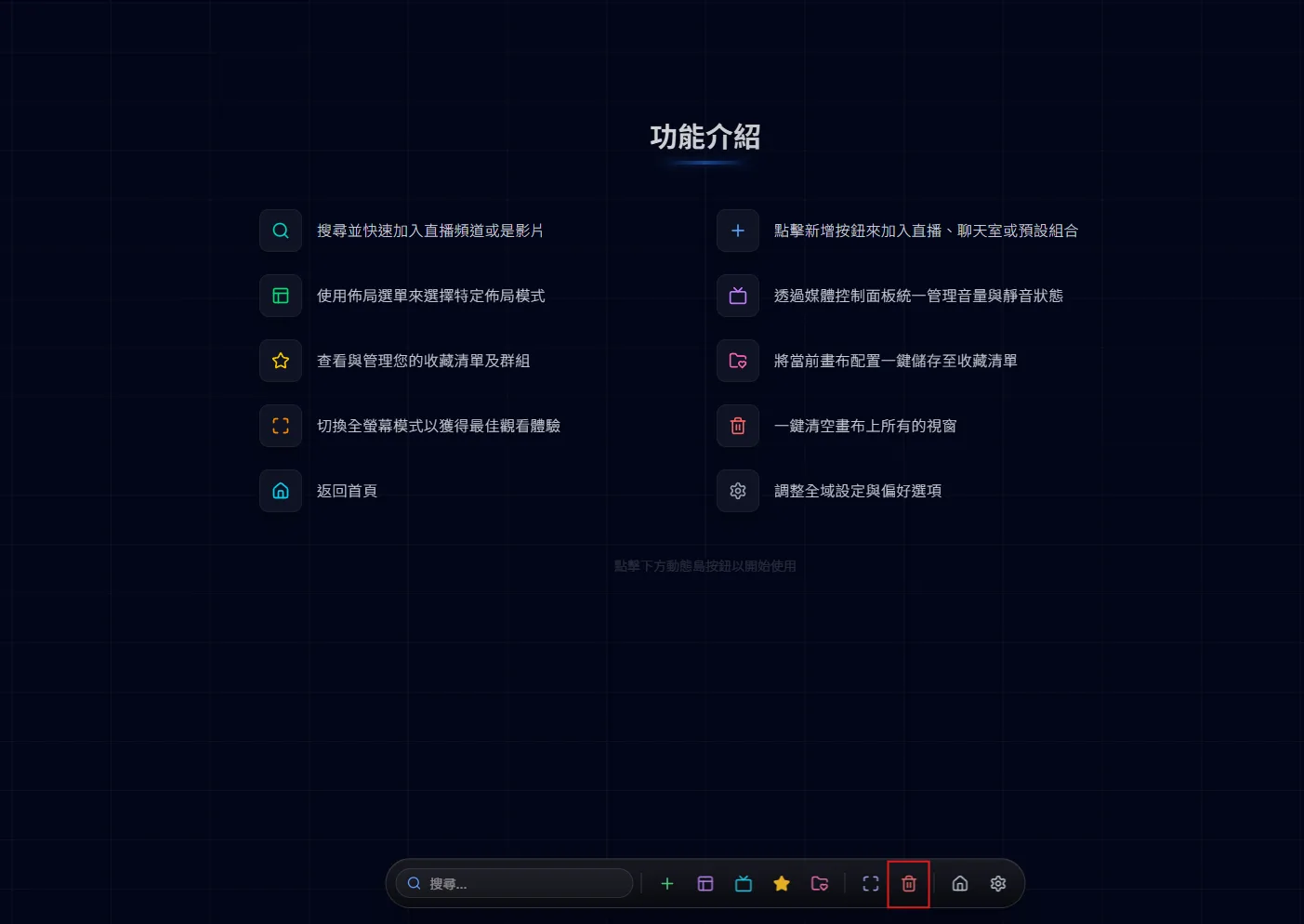
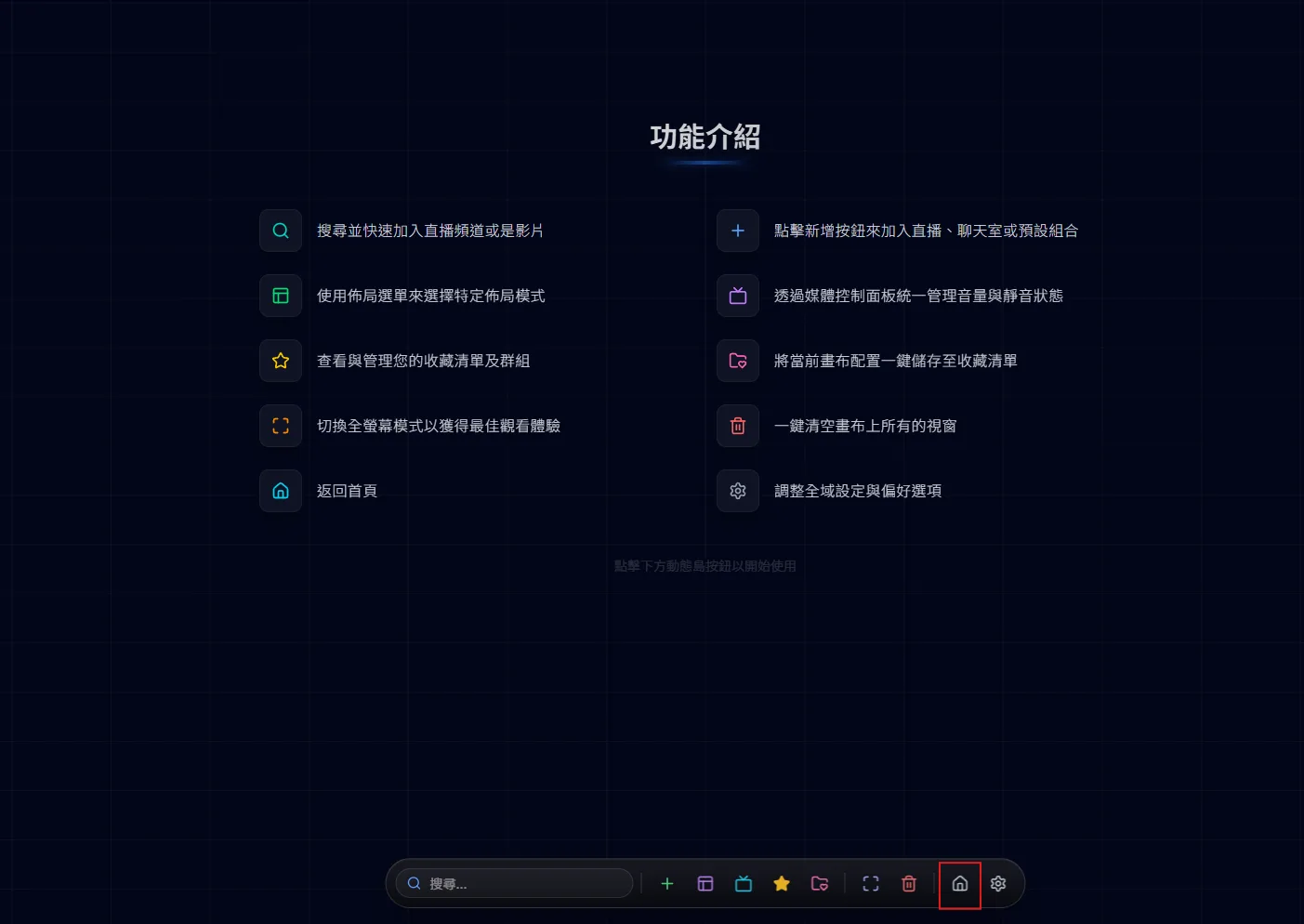
The quick buttons on the right are one click away: fullscreen puts the whole page in or out of browser fullscreen; the trash can clears every window and stream from the canvas after asking you to confirm; “?” opens help and the shortcut cheat sheet; the house goes back to the home page; and the gear opens Favorites Manager → Settings.
Does the island at the bottom get in the way? In Favorites Manager → Settings → Appearance, change the Dynamic Island Style to Edge Dock and the controls become a small tab on the left or right edge of the screen. The tab is always visible; click it to open a vertical menu and click again to close it. Hold and drag the tab up or down, and drop it on the other half of the screen to switch sides. Choosing Edge Dock also reveals the Tab Size and Dock Side options. This setting is desktop only.

The dynamic island starts hidden and slides up when your cursor comes within about 80 pixels of the bottom edge; it hides again 2 seconds after the cursor leaves. It stays put while any panel is open (media, layout, the + menu, favorites, the clear confirmation, save layout), while you type in the search box, while the shortcut help is open, or during the canvas tour. The island only exists on the desktop canvas page; phones use four tabs at the bottom instead.